Managing payroll accurately and on time is one of HR’s most critical responsibilities. When the approval process lacks structure, teams face rushed deadlines, scattered communications, and preventable errors. A well-designed payroll approval workflow brings order to this complexity.
It ensures that relevant stakeholders review payroll data before payments go out, protecting both the organization and its employees. This guide walks HR teams through what a payroll approval workflow involves, why it matters, and how to build one that scales with your company.
What Is A Payroll Approval Workflow
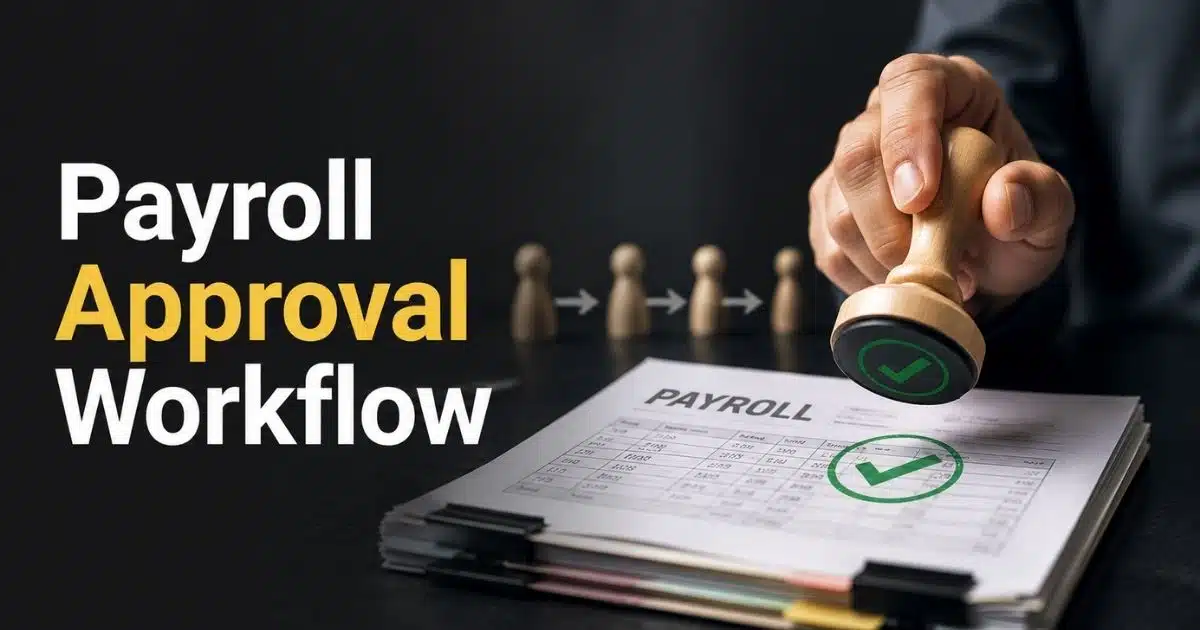
A payroll approval workflow is the step-by-step process HR follows to review, validate, and sign off on each pay run before payments are released. It covers actions from payroll data preparation and payroll calculations through internal review to manager and finance sign-off and final payment authorization.
The workflow can be manual, relying on emails, spreadsheets, and shared folders, or automated through payroll software with advanced automation features like Payrun. Manual methods often cause error rates around 23% and delays of four to seven days, while automated platforms achieve 99.5% accuracy and cut processing time significantly. Regardless of approach, the goal remains the same: accuracy, compliance, and control.
Well-designed HR approval workflows are role-based, trackable, and repeatable across every pay period. Whether your organization runs monthly, fortnightly, or weekly payroll, the same structured process applies to ensure consistency in how you verify accuracy and authorize payments.
Why Payroll Approval Workflow Matters For HR Teams
HR teams are responsible for timely and accurate pay, and a structured process reduces the chaos that often builds close to payday. Research from SHRM indicates that 42% of HR professionals report last-minute scrambles during payroll processing. A defined workflow eliminates much of this pressure.
A clear workflow helps HR coordinate with managers, finance, and leadership. Everyone sees and approves the same numbers before payouts, reducing miscommunication. This coordination prevents discrepancies that trigger 15 to 20% of employee disputes annually, according to ADP analysis.
Consistent approvals protect HR from disputes around underpayments, overpayments, late salary credit, and unauthorized adjustments. For regulated markets and multi-location businesses, a documented workflow satisfies auditors and internal control frameworks, demonstrating accountability at every step and supporting broader payroll compliance requirements.
Stages In A Payroll Approval Workflow
The payroll process usually follows the same stages every month, regardless of company size. HR teams should document these stages clearly to ensure consistency and audit readiness across all pay cycles.
Data Collection And Pre-Validation
The process begins with HR gathering all payroll inputs by a fixed cut-off date each cycle. This includes new hires, exits, salary revisions effective from specific dates, approved overtime, variable pay, and leave without pay.
HR should verify source data against HRIS, attendance systems, and signed documents to catch missing contracts, outdated grades, or invalid bank details while ensuring underlying employee payroll records are accurate and complete. A typical cut-off timeline might be a data freeze five business days before the end of the month for a monthly pay cycle. Pre-validation catches approximately 30% of anomalies upfront, reducing rework during the approval window.
Payroll Calculation And Internal HR Review
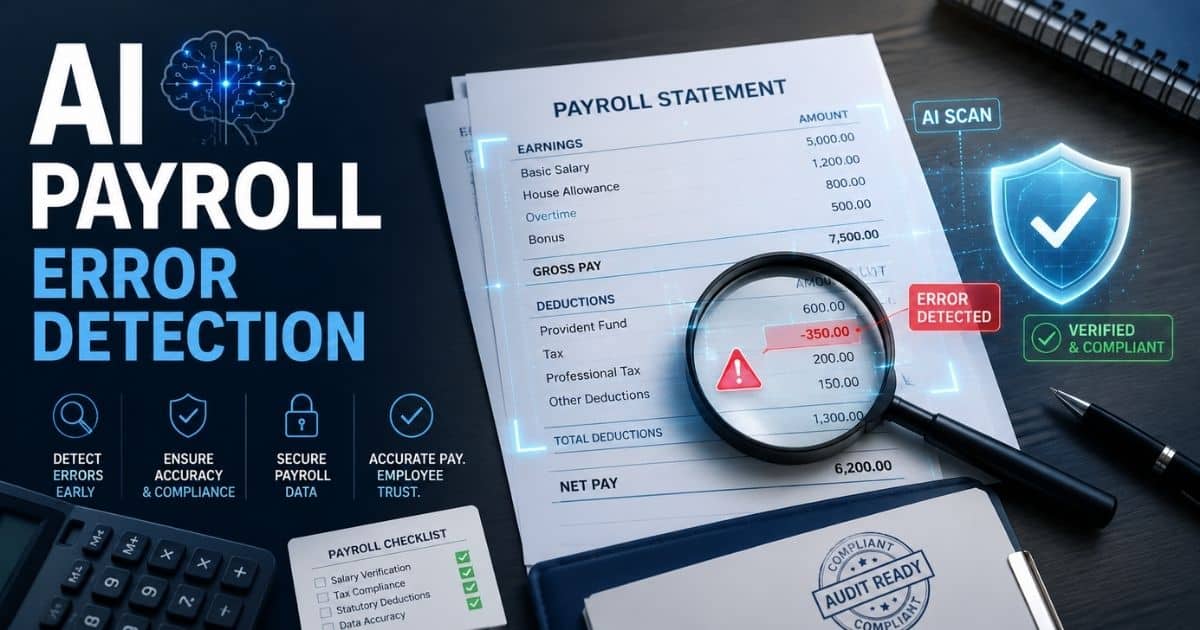
HR or payroll specialists run the initial calculation in the payroll system, generating draft results including gross pay, statutory deductions, benefit deductions, and net pay for each employee as part of the broader payroll processing lifecycle. The calculated payroll then undergoes internal review.
HR reviews variance and exception reports, comparing current period totals to the previous period to spot anomalies in overtime, bonuses, or hours worked. Common internal checks include verifying tax tables, benefit contribution caps, and rounding rules for the current financial year. Only after this validation should HR mark the run as ready for formal approval.
Manager And Department Head Review
Line managers typically review team-level reports, focusing on variable components like overtime, incentives, commissions, and attendance-linked pay. Managers confirm that amounts align with approved timesheets, performance agreements, and local budget constraints.
Feedback at this stage often results in targeted adjustments rather than a full rerun, keeping the cycle on schedule. In a multi-level structure, department heads may provide a second sign-off for high-value incentives or sensitive adjustments, adding an extra layer of review steps.
Finance Review And Final Authorization
Finance or the payroll controller validates total payroll cost against forecasts, cash flow plans, and general ledger mappings. They use summary reports to confirm employer taxes, benefit contributions, and withholdings for the current period and fiscal year-to-date.
Once satisfied, finance provides final approval, typically tied to a specific pay date, payment file, and bank account. Some organizations require dual authorization for payment files above predefined thresholds, supporting stronger internal controls and reducing risk from human error.
Payment Execution And Record Keeping
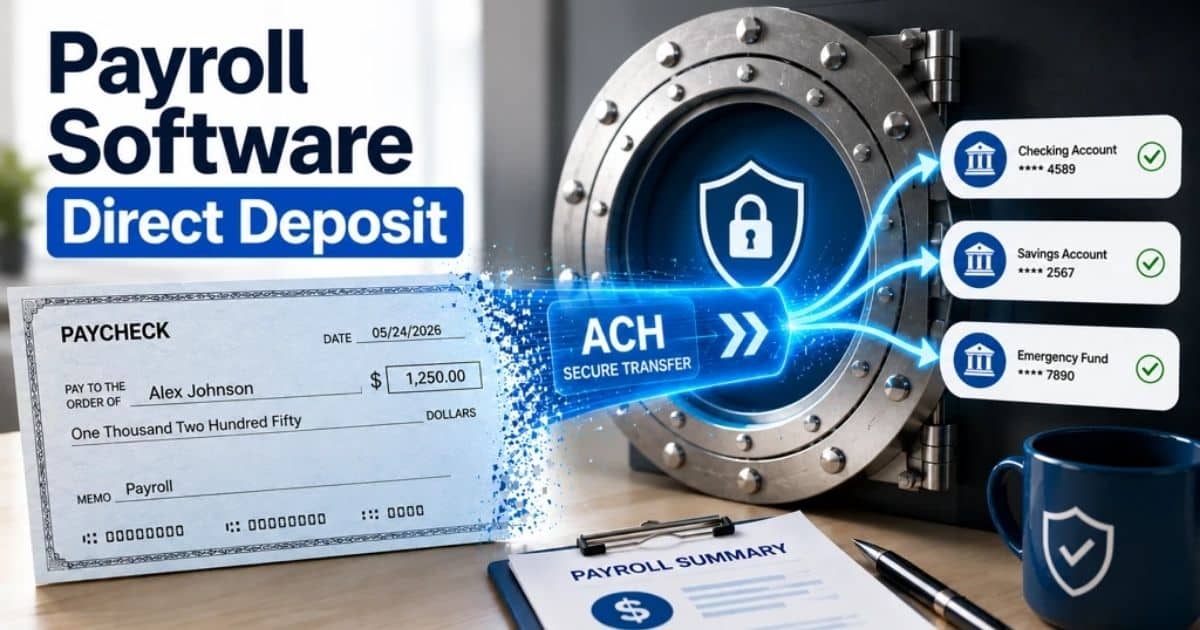
After final sign off, HR or finance generates payment files for bank transfers and statutory remittances, ensuring correct payment dates and reference details. The payroll system then issues payslips, updates year-to-date balances, and archives reports for audit.
Reconciliation steps confirm that bank debit totals match approved payroll totals and that rejected payments are quickly resolved. This stage closes the loop, providing a complete audit trail from initial data to finalized payments for each period, supporting long-term compliance checks.
How To Design A Robust Payroll Approval Workflow For HR Teams
HR should intentionally design the workflow around company size, risk tolerance, and local regulations rather than relying on ad-hoc email approvals, using HR workflow automation where appropriate. A thoughtful approach prevents bottlenecks and ensures regulatory requirements are met.
Defining Roles And Approval Levels
Start by mapping out who does what in the workflow, separating preparers, reviewers, and designated approvers to maintain checks and balances, and reflecting those responsibilities in a modern employee record management system. Roles might include payroll specialist, HR manager, department manager, finance controller, and CFO, each with clear approval boundaries.
Role definitions should be documented in company policies and reflected in the payroll system’s access rules. Assign backup approvers for each level to prevent delays during leave or peak periods, ensuring payroll operations continue smoothly.
Setting Approval Thresholds And Rules
HR and finance should define thresholds for additional approvals. For example, extra review might be required for bonuses above a set amount or large backdated adjustments. Approval rules should cover regular runs and exceptions like off-cycle runs for corrections or terminations.
These rules need to be explicit, versioned, and communicated so all managers understand when they must escalate approval requests. Review approval rules at least annually and whenever significant policy or regulatory changes occur, especially when adopting or updating payroll automation software.
Standardizing Documentation And Evidence
Every payroll change requiring approval should have linked documentation, such as promotion letters, variable pay approvals, signed timesheets, or email confirmations. Standardized templates for change requests reduce ambiguity and help multiple approvers understand context quickly.
HR should centralize these records in the payroll system or a secure document repository rather than scattering them across personal inboxes, ideally within an integrated HR management system. Consistent documentation supports internal and external audits as well as dispute resolution months or years later.
Aligning Timelines With Pay Cycles
Outline a typical monthly payroll calendar including cut-off dates for data changes, internal review, manager approval, finance approval, and bank submission, and consider how an all-in-one HR and payroll platform like Payrun can automate reminders and routing. Timelines should be realistic, giving each approver at least one to two working days to review without rushing.
HR must publish the calendar at the start of each year and remind stakeholders before key dates, especially after public holidays. Aligning timelines reduces urgent escalations and supports predictable, on-time salary payments for employees.
Building An Audit-Ready Approval Trail
Ensure the workflow captures who approved each step, when they did it, and what data was approved, including before and after values for any changes. Audit-ready trails cover pay amounts, bank account changes, tax code updates, and new benefit enrollments.
Approvals should occur inside systems where possible rather than as informal chat messages that are hard to retrieve. This approach supports external audits, internal risk reviews, and compliance with labor and tax authorities.
Benefits Of Automating Payroll Approval Workflow
Automation turns the workflow from a manual checklist into a consistent, trackable process, especially when supported by robust payroll software platforms. McKinsey estimates that payroll management automation delivers 40 to 50% time savings and 70% fewer errors for HR teams.
Reducing Errors And Rework
Automated validations flag issues such as negative net pay, unusually high overtime, or missing tax identifiers before the pay run is submitted for approval. System-generated variance reports help HR focus on exceptions instead of manually scanning spreadsheets.
Fewer manual edits lower the risk of mis-keyed amounts, incorrect dates, or duplicated payments that would require reversals. This saves time and minimizes errors, particularly during busy periods like year-end when HR processes bonuses and contract changes.
Speeding Up Approvals And Meeting Pay Dates
Automated routing sends approval requests immediately to the next approver based on pre-set rules rather than waiting for HR to forward files. Automatic reminders and escalation paths reduce delays when approvers are busy.
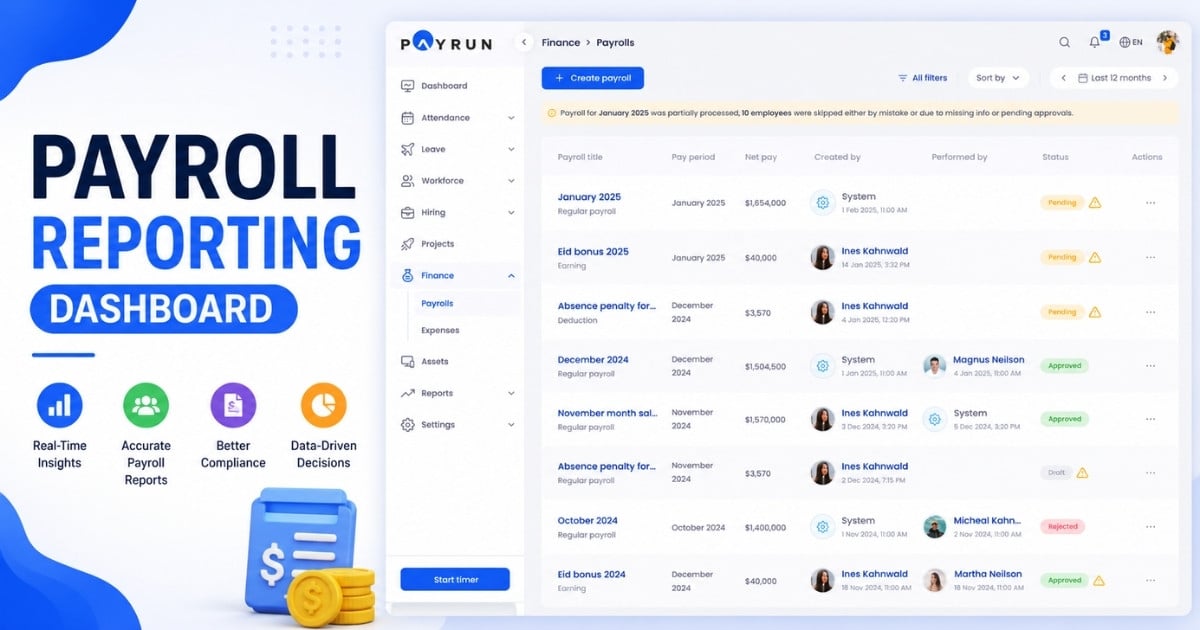
Real-time status dashboards let HR see exactly where a run is stuck and who needs to act. Faster approvals support on-time salary credit, which is critical for employee satisfaction.
Strengthening Compliance And Security
Workflow automation enforces segregation of duties by controlling who can prepare, approve, or release payroll. Access controls and role-based permissions limit visibility of sensitive salary details to authorized personnel only.
Automated approval flows reduce reliance on shared spreadsheets and unsecured email attachments containing personal data. Automated logs provide evidence of compliance actions, supporting human resources in meeting regulatory requirements.
Supporting Remote And Distributed Teams
Cloud-based approval workflows enable managers and compliance officers to review and approve payroll from any location using a browser or mobile device, similar to broader cloud HR tools for remote teams. This flexibility benefits organizations operating across multiple cities or time zones.
Remote approvals still maintain control through multi-factor authentication and time-limited access. HR can maintain a predictable payroll rhythm even when leadership travels or teams work in a hybrid environment.
Improving Visibility And Collaboration
Automated workflows provide shared visibility for HR, managers, and finance into the same approval status and payroll numbers. Comments and notes attached to approval steps help reviewers understand why specific adjustments were made.
This shared context reduces misunderstandings and repeated questions about calculations. Better visibility makes it easier for HR leaders to analyze trends in payroll cost, overtime, or incentive payments across each department, particularly when workflows are integrated with automated HR processes and reliable employee attendance tracking.
Common Payroll Approval Challenges And How HR Can Address Them
Even with defined workflows, HR teams encounter recurring issues. Clearer processes and better tools can mitigate most of these challenges.
Last-Minute Data Changes Before Cut-Off
Late promotions, urgent hires, attendance corrections, and pending terminations can flood HR just before the payroll cut-off. Enforce clear submission deadlines and communicate that changes received after that date move to the next payroll unless critical.
Exception handling rules should guide when off-cycle runs are justified. An automated HR and payroll system for small and medium businesses can tag late changes and require extra approval before inclusion, ensuring manual intervention remains controlled.
Approver Bottlenecks And Non-Responses
Busy managers may overlook emails or delay reviewing reports, putting the entire payroll cycle at risk. Implement reminder schedules, escalation paths, and delegated approvers for periods of planned leave.
Dashboards visible to leadership create accountability by making delays transparent, especially when they’re part of an integrated all-in-one HR platform. Define service-level expectations for approvals as part of manager responsibilities.
Inconsistent Application Of Policies
Different departments may interpret rules about allowances, overtime, or bonuses differently, leading to disputes. Maintain a single, up-to-date payroll policy manual and provide training to managers on approval flow requirements.
System-based rules standardize calculations for base compensation, deductions, and variable pay, preventing unauthorized exceptions from slipping through and aligning with the controls built into payroll automation tools.
Limited Audit Trails For Historical Payroll Decisions
When approvals happen via informal emails, HR struggles to reconstruct who approved what during an audit. Capture all critical approvals within a central system that timestamps actions and records approver identity.
Store supporting documents alongside approvals to simplify answering questions from auditors, leadership, and employees. Good audit trails also help HR identify process gaps and track payroll approval history effectively.
Onboarding New HR Staff Into The Workflow
New HR team members may find payroll approvals complex if processes are undocumented. Create visual process maps alongside written procedures showing each step, role, and timeline.
Sandbox or test runs help new staff practice without risking live payroll. Standardized workflows with custom HR approval workflows make it easier to maintain continuity when team members change.
How Payrun Supports Payroll Approval Workflow For HR Teams
Payrun is designed to give HR teams structured, automated approval paths with minimal setup, building on its broader innovative HR features. The platform lets HR configure single or multi-level approvals for regular and off-cycle pay runs, assign designated approvers by role, and set up clear routing rules that match your organization’s approval chain.
Payrun provides real-time status tracking, automatic notifications, and audit-ready logs that capture relevant information for every action. Secure role-based access ensures that only authorized personnel see sensitive payroll data.
The system helps businesses track payroll approval history, verify accuracy, and maintain compliance without relying on spreadsheets or scattered email threads. Built for HR practitioners rather than finance specialists alone, Payrun reflects its mission as a strategic HR management partner and offers an intuitive interface and guided setup that scales as your team grows.
Frequently Asked Questions
How Long Does It Typically Take To Approve A Monthly Payroll Run?
For many small to mid-sized organizations, the approval window for a standard monthly run ranges from one to three business days depending on the number of approvers and complexity of variable pay. With automated approval flows, manager and finance approvals can often be completed within 24 hours because routing and reminders are handled by the system, which is especially valuable for small businesses using HR software. HR should build this window into the annual payroll calendar to avoid rushing close to the payment date.
What Is The Best Way To Handle Urgent Off-Cycle Payroll Approvals?
HR should define a specific off-cycle process with stricter criteria, such as only for critical underpayments, legal obligations, or executive-approved bonuses. Off-cycle runs should have a shortened but clearly defined approval chain, often requiring higher-level sign-off. Systems like Payrun or similar HR software for small and medium businesses can tag off-cycle runs separately and route them through dedicated, faster workflows.
How Can HR Maintain Control While Allowing Managers To Approve Variable Pay?
Configure workflows so managers approve only the variable elements they control while HR and finance retain oversight of total pay and policy compliance, which is especially important when managing a dispersed or remote workforce with HRM software. Clear guidelines, capped amounts, and system rules prevent unauthorized or excessive variable payments. HR should periodically review approved variable pay patterns to ensure fairness and adherence to budget.
What Metrics Should HR Track To Improve Payroll Approval Workflow?
Useful metrics include average approval time per pay run, number of late approvals, frequency of off-cycle adjustments, and errors discovered after approval. HR can also track how often escalations are needed and which review steps are most prone to delay, especially when using a centralized HR management system. Payrun surfaces these metrics through dashboards and reports automatically.
How Often Should Payroll Approval Policies Be Reviewed?
HR should formally review payroll approval policies and workflows at least once a year, and sooner if there are significant organizational or regulatory changes. Reviews should include input from HR, finance, legal, and selected line managers to ensure policies remain practical. Any updates should be communicated clearly and reflected in the payroll software configuration to avoid mismatches between policy and practice, including how related processes like leave management software feed data into payroll approvals.