Processing payroll manually is time-consuming and leaves room for costly mistakes. Spreadsheets and legacy desktop tools struggle to keep pace with changing tax laws, multiple pay schedules, and distributed teams. When errors occur, they affect employee trust and can trigger penalties that cost your business money.
Online payroll services solve these problems by moving payroll processing to secure cloud platforms. These tools calculate wages, manage tax withholdings, and distribute payments with just a few clicks. They file taxes on your behalf, generate pay stubs, and give employees access to their own payroll data through self-service portals.
This guide walks through the essential features, integrations, compliance considerations, and pricing models you should evaluate when selecting payroll software. Whether you run a small business or manage a growing company with employees across multiple states, understanding these factors will help you make a confident decision.
What Are Online Payroll Services
Online payroll services are cloud-hosted platforms that automate the entire payroll cycle. They calculate gross-to-net pay by factoring in employee hours, overtime rates, benefit deductions, and retirement contributions. These systems then distribute funds via direct deposit or other payment methods and handle tax filing for federal, state, and local authorities.
Most platforms generate year-end forms like W-2s and 1099s, provide digital payslips through web portals or a mobile app, and support contractor payments on separate schedules. Access occurs through browsers or apps with secure logins and role-based permissions, allowing HR professionals and managers to run payroll while employees enter their own time and view statements independently.
Essential Features To Look For In Online Payroll Services
Selecting the right platform requires understanding which features will save time and reduce risk for your team. The following capabilities form the foundation of effective payroll software and should guide your evaluation process.
Automated Payroll Runs And Payment Options
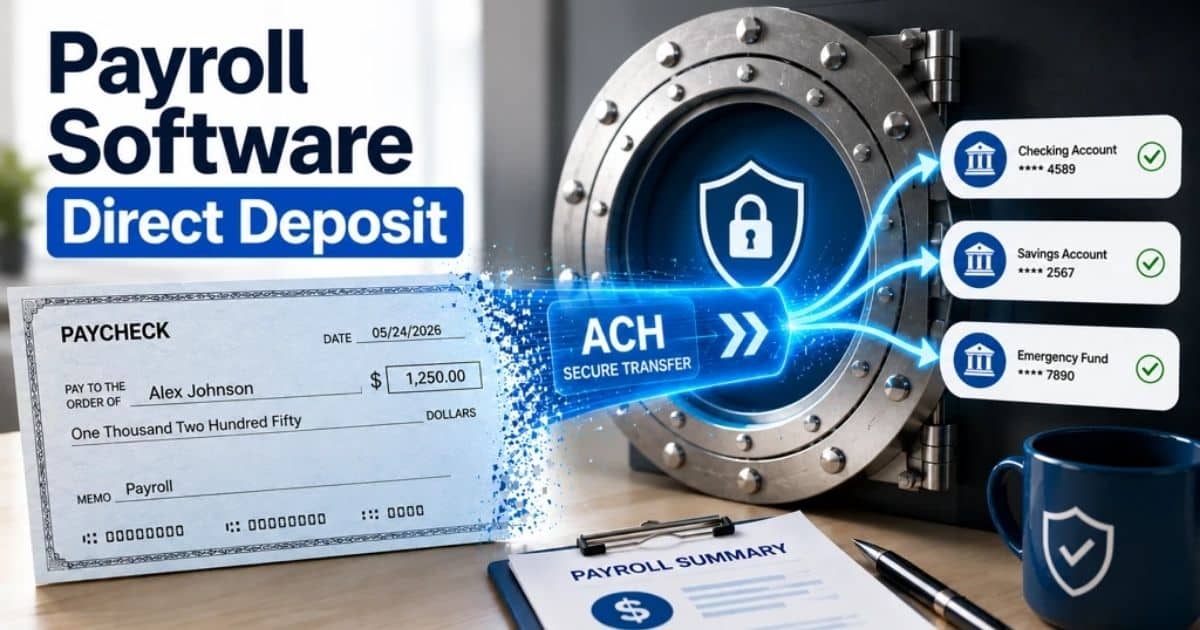
Prioritize platforms that let you run payroll faster through scheduled, recurring cycles. After initial setup, the system should run automatically for weekly, bi-weekly, or monthly pay periods with minimal intervention. Look for same-day direct deposit options and approval workflows that let managers review summaries before payday.
Tax Calculations, Filings And Year-End Tasks
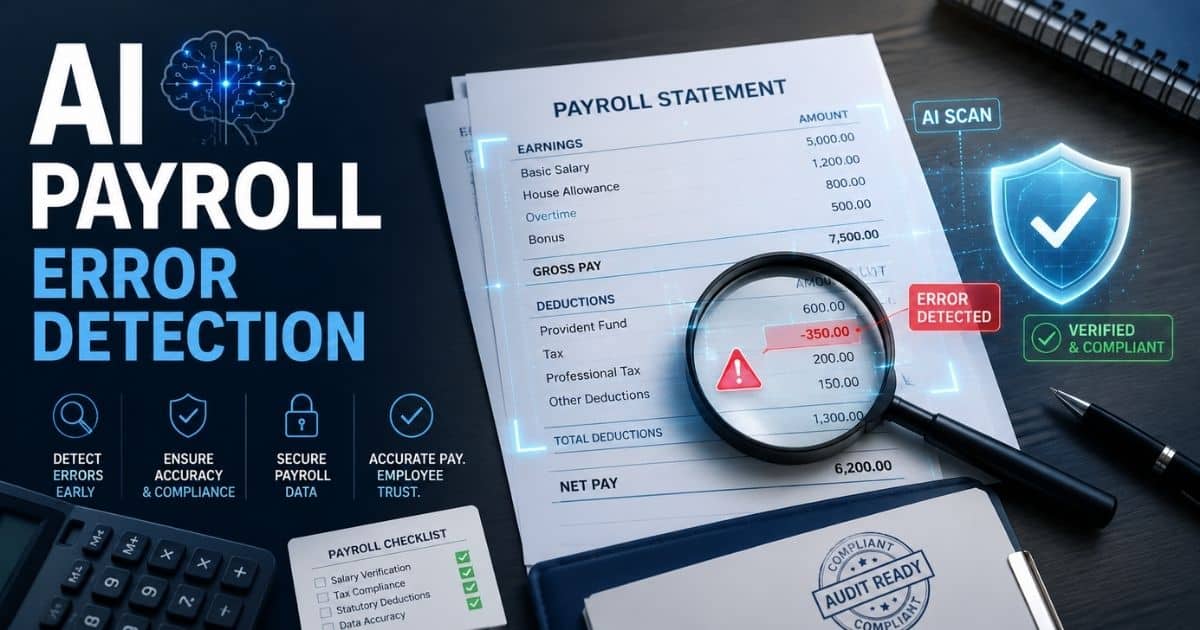
Automated tax engines should calculate payroll taxes based on current brackets, FICA contributions, and state or local levies. Leading systems auto-generate and submit quarterly filings and year-end forms, helping you stay compliant without manual calculations. Ask vendors about accuracy guarantees and whether they provide expert support if filing taxes results in penalties due to software errors.
Time Tracking, Leave, And Attendance Integration
time tracking attendance tracking employee hours hours tracking employees enter mobile app mobile access tools payroll software integrate process employee data data payroll data manage employee hours workforce management hr professionals team manage time
Integrated attendance tracking syncs approved timesheets directly into gross pay calculations. Mobile clock-in with geolocation helps verify employee hours for field teams, while a real-time attendance timeline view makes it easier to monitor schedules and productivity across locations. Leave management features prevent overpayments during unpaid absences and ensure accurate accruals, while a GPS-based attendance tracking system can further validate hours worked for field teams.
Employee Self Service Portals
employees employee data employee access pay stubs electronic copies payroll data manage employee data hr support support team service support tools mobile app employees enter personal details benefits administration benefits health insurance retirement
Modern portals let employees update personal details, view pay stubs, download year-end forms, and submit time-off requests. A well-designed employee self-service portal reduces HR queries significantly and provides peace of mind for your team. Look for mobile-responsive designs and multilingual support if you have distributed employees.
Security, Reliability, And Data Protection
Payroll data includes sensitive information like bank details and national identifiers. Require encryption, multi-factor authentication, and SOC 2 Type II audits from any provider you consider. Data security should also include uptime commitments of 99.9% or higher to ensure you can process paychecks on critical dates.
How Online Payroll Services Integrate With Your Tech Stack
Connecting your payroll service to existing business tools eliminates manual data entry and keeps information consistent across systems. Strong integrations can reduce reconciliation work by 70% or more.
Connecting Accounting And General Ledger Systems
Auto-posting payroll journals to accounting tools like Xero, QuickBooks, or Sage removes CSV exports and manual reconciliation from your process. Configurable mapping by department or cost center ensures your general ledger reflects actual payroll expenses accurately and aligns with your overall payroll processing workflow.
Linking HR, Recruitment, And Onboarding Tools
When new hires flow from HR platforms into payroll automatically, employee data like start dates, salaries, and bank details sync without duplicate entry. Dedicated employee onboarding software creates a seamless onboarding experience and reduces errors from manual keying.
Integrating Time And Attendance Systems
Hours approved in workforce management tools should feed directly into pay calculations, handling shift premiums and overtime accurately. Using a robust employee time tracking app simplifies this flow, but you should still verify how the integration handles corrections submitted after payroll cutoff to avoid processing delays.
Using Open APIs For Custom Workflows
Growing companies may need APIs to connect bespoke systems or build custom dashboards. Ask vendors for documentation, rate limits, and webhooks for payroll events like approval notifications or funding triggers.
Evaluating Integration Effort And Vendor Support
Some integrations are plug-and-play while others require technical projects. Testing in a sandbox environment before go-live reduces risk, and strong implementation support can shorten your rollout timeline significantly.
Compliance, Risk Management, And International Payroll Needs
Compliance failures cost businesses billions annually in fines and penalties. Modern payroll services help you manage these risks through automated updates and built-in safeguards.
Staying Compliant With Local Payroll Regulations
Platforms should update tax calculations automatically when regulations change at tax time or mid-year. Alerts for thresholds like benefits administration reporting requirements help you focus on proactive compliance rather than reactive fixes.
Managing Benefits, Pensions, And Statutory Leave
Payroll must coordinate with health insurance providers, retirement plans, and pension schemes. Automated enrollment logic and contribution calculations simplify benefits administration, while statutory leave calculations handle maternity, paternity, and sickness payments per local law.
Handling Contractors, Freelancers, And Mixed Workforces
If you pay contractors alongside employees, look for separate processing that issues 1099 forms without tax withholdings. Understanding time tracking vs attendance tracking also matters when managing mixed workforces. Workers comp classifications and contractor agreements should be tracked distinctly to avoid misclassification issues.
Supporting Global Teams And Multi-Country Payroll
online payroll services payroll software payroll processing payments data payroll data manage payroll multiple states business company team tools access global workforce process service support
Companies with staff across borders need localized payslips, multi-currency support, and jurisdiction-specific tax logic. Dedicated payroll compliance software helps apply the correct rules in each jurisdiction, and some platforms centralize reporting while using local engines for compliance, making it easier to manage payroll across regions.
Audit Trails, Reporting, And Documentation
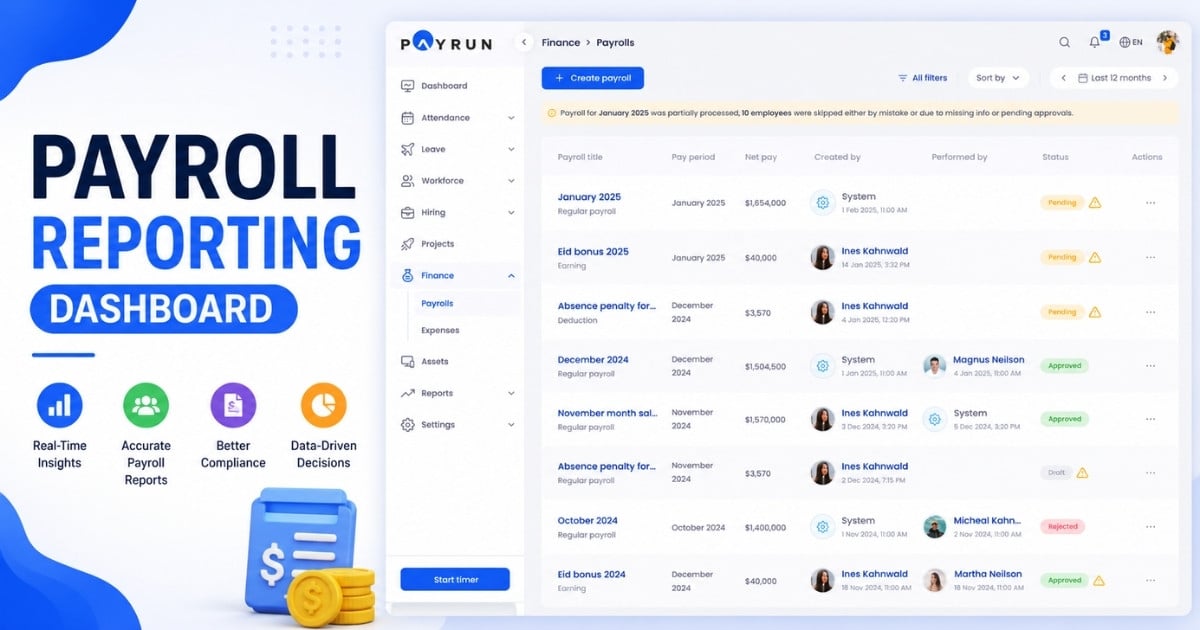
Detailed audit logs capture who changed what and when in payroll records. Standard and custom reports support auditors, investors, and internal reviews, while secure archives maintain records for required retention periods.
Pricing Models And Cost Considerations For Online Payroll Services
Understanding total costs helps you budget accurately and compare vendors fairly. Pricing structures vary significantly, so evaluating beyond the headline rate matters.
Common Pricing Structures In 2026
Most providers charge a base monthly fee of $25–80 plus $4–12 per employee per month. A broader HR software billing model overview can help you understand how add-ons for benefits administration, year-end filings, or multi-country modules may increase costs. Estimate annual expenses at both current and projected headcount.
Hidden Costs And Contract Terms To Watch
Watch for setup fees, data migration charges, and premium support costs. Modern payroll automation software can justify higher subscription prices by reducing manual effort and errors, but you should still check contract length, renewal terms, and annual price increases. Clarify data export rights if you need to switch providers later. Some vendors let you cancel anytime while others lock you into multi-year agreements.
Calculating Total Cost Of Ownership
payroll processing payroll services payroll software manage payroll data payroll data calculations process team time saving save time business company payments efficiency solutions support tools
Factor in admin time savings and avoided penalties alongside subscription costs. If your dedicated team currently spends 20 hours per pay run on manual calculations, adopting automated payroll software delivers measurable ROI. Model different hiring scenarios to see how costs scale.
Choosing Features Based On Business Stage
A small business with fewer than ten employees may only need core payroll and simple tax filing, so choosing simple payroll software for small businesses often makes sense. Growing companies benefit from APIs, deeper HR tools, and enhanced automation. Phase in advanced features so you only pay for current needs.
Evaluating Free Trials, Demos, And Proofs Of Concept
Request live demos using your actual scenarios rather than generic presentations. Short proof-of-concept runs with a subset of employees validate results and usability. Involve finance, HR, and operations in evaluations for comprehensive feedback.
Implementing An Online Payroll Service In Your Business
A structured implementation approach helps you go live smoothly and gain confidence in your new system. Most rollouts take 2–8 weeks depending on complexity.
Preparing Your Data And Processes
payroll data employee data data accuracy payroll processing process business company manage payroll calculations data security team hr professionals accounting tools workflow automation process mapping
Clean existing employee records, verify tax codes, and reconcile historical balances before migration. Map current workflows, approval chains, and cut-off dates so your new payroll processing software reflects reality from day one. Create a small project team across HR, finance, and IT to manage the process.
Onboarding, Configuration, And Parallel Runs
Configuration involves setting pay schedules, earnings types, and deduction rules, mirroring best practices from broader payroll software implementations. Run at least one parallel payroll comparing outputs between old and new systems. This catches configuration issues before they affect real paychecks.
Training Managers And Employees
employees hr professionals team support training tools service support employees enter data payroll system manage payroll process business company tools solutions communication support
Train payroll administrators on key steps while providing managers with approval workflows and employees with self-service portal access and a user-friendly time tracking app. Short video guides and written documentation support self-service learning after initial sessions.
Change Management And Communication
business company employees team communication process payroll services manage payroll electronic copies pay stubs support tools service benefits solutions process improvement feedback system
Communicate clearly about changing pay dates, portal access, and login methods. Announce benefits like faster access to electronic copies of payslips and more transparent pay breakdowns so you avoid common payroll mistakes businesses face. Collect feedback early and adjust configuration as needed.
Monitoring Performance After Go Live
Track metrics like time spent on payroll processing, error rates, and support ticket volumes, using insights from your payroll compliance software where available. Review quarterly to confirm the solution continues meeting expectations. Schedule periodic check-ins with your provider to discuss new features and optimizations.
How To Choose The Right Online Payroll Service Provider
Selecting the right provider requires balancing current needs with future growth. If you’re a smaller organization, understanding why Payrun is a leading HR tool for small businesses can inform your shortlist. A systematic evaluation process helps you make a confident decision.
Assessing Your Current And Future Requirements
List current pain points and desired capabilities. Consider planned hiring, remote work expansion, or entry into new territories. Rank requirements as must-have, nice-to-have, or future-phase to structure your evaluation.
Evaluating User Experience And Support Quality
user friendly interface support service support expert support provide expert support payroll software online payroll services employees team manage payroll tools solutions process business company
Test how intuitive the interface is for administrators and employees. Evaluate support responsiveness during critical payroll windows through chat, email, or phone. Personalized guidance from knowledgeable support teams matters when issues arise.
Comparing Shortlisted Vendors Fairly
Create a comparison matrix covering price, features, integrations, and support. For small teams, include how each option compares to simple payroll tools for small businesses. Ask each vendor identical questions and include scenarios like handling mid-cycle bonuses or onboarding large cohorts quickly.
Checking References And Case Studies
Speak with existing customers of similar size or industry to validate vendor claims. Ask about go-live experience, stability during busy periods, and overall responsiveness. Case studies showing measurable time savings provide useful benchmarks.
Planning For Scalability And Vendor Partnership
Your chosen provider should support additional headcount, locations, and features without major disruption. Ask about product roadmaps and customer advisory programs. Treat the provider as a long-term partner rather than a commodity tool, especially if you run a SaaS company that can benefit from dedicated HR and payroll software for SaaS businesses.
Why Payrun Is A Strong Choice For Online Payroll
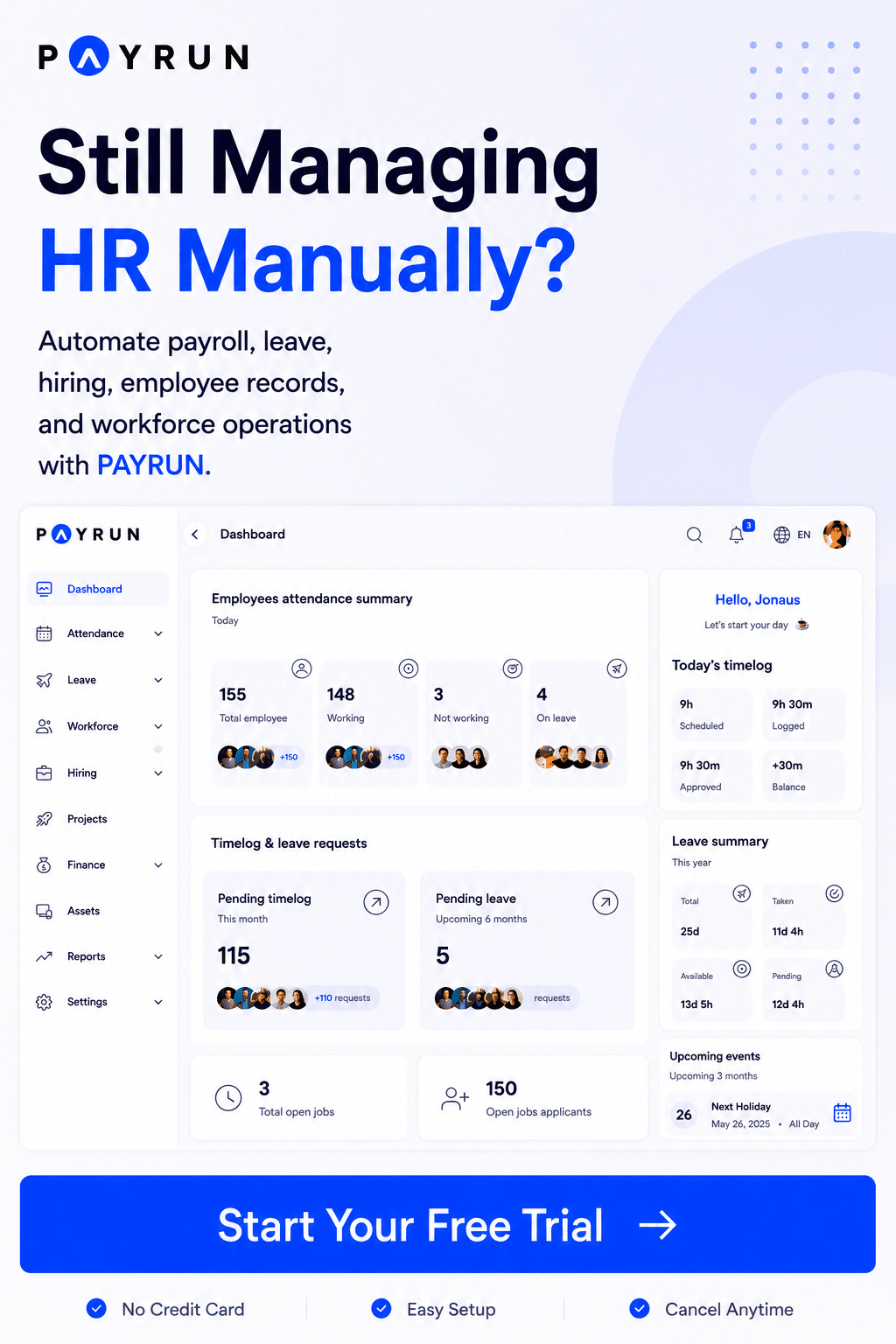
Payrun delivers the core capabilities covered throughout this guide, including automated payroll runs, employee self-service portals, and integrated reporting, aligning closely with our broader payroll software feature overview. As an all-in-one HR and payroll platform, the system focuses on accuracy and usability for growing businesses, moving away from spreadsheets or outdated desktop systems.
Modern cloud architecture ensures reliable access during critical pay cycles, while straightforward pricing avoids hidden fees that surprise finance teams. A clear about Payrun overview highlights responsive support designed for HR professionals and payroll administrators, helping you manage payroll cycles with confidence.
Explore a live demo to see how Payrun fits your processes and tech stack and how its innovative HR features support day-to-day operations. The platform integrates with popular accounting and HR solutions, making it a practical choice for companies seeking to save time, stay compliant, and benefit from robust automated payroll capabilities that give their team a better payroll experience.
Frequently Asked Questions
How Long Does It Take To Implement An Online Payroll Service
Small businesses with clean data can go live in 1-2 weeks. Mid-sized companies typically need 4 weeks, while complex multi-country setups may require 8 weeks. Key stages include configuration, data import, parallel runs, and final go-live. Strong vendor support and well-prepared data shorten these timelines significantly.
Can I Switch Online Payroll Providers In The Middle Of A Tax Year
Yes, mid-year switches happen frequently. The process requires careful migration of year-to-date gross wages, tax withholdings, and statutory filings. Coordinate with both old and new providers to avoid gaps or duplicate submissions. Most platforms support importing historical data via CSV or API.
What Kind Of Internal Team Do I Need To Manage Online Payroll
Typical roles include a payroll lead spending 2-4 hours weekly post-automation, a finance approver, and an HR administrator. Very small companies often manage with a single trained person using vendor support for complex questions.
How Often Should I Review My Payroll Setup After Going Live
Conduct formal reviews annually and after major regulatory changes, acquisitions, or significant headcount growth. Use these reviews to optimize workflows, update permissions, and improve reporting. Quarterly metric reviews help identify issues before they become problems.
Is It Safe To Store Payroll Data In The Cloud
Reputable providers protect information through encryption, access controls, and audited data centers. Confirm security certifications like SOC 2 Type II, verify data residency options for your region, and understand incident response processes before committing. Top providers maintain strong security track records across decades of operation.