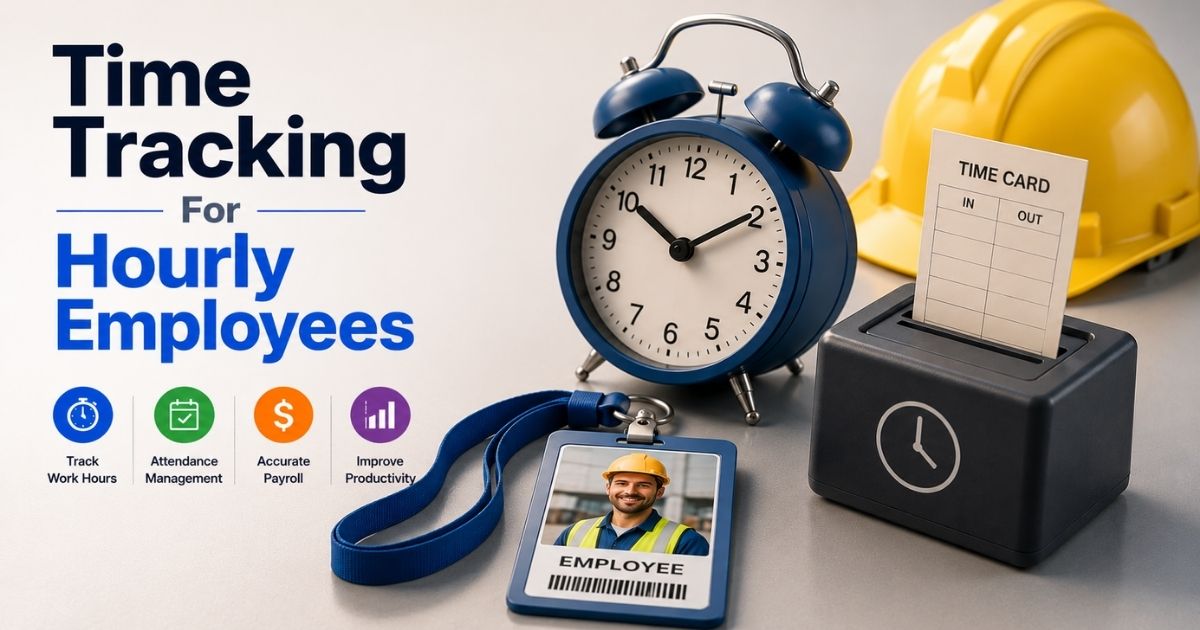
Tracking employee work hours sounds simple. But for many businesses, it quickly becomes messy. Missed punches, manual spreadsheets, buddy punching, and payroll errors can waste time and money. Small mistakes often lead to compliance issues, employee disputes, and inaccurate labor costs.
That is why time tracking for hourly employees matters more than ever. A reliable system helps businesses track hours accurately, simplify payroll, improve productivity, and maintain transparency across teams. It also gives managers better visibility into attendance, overtime, and workforce performance.
In this guide, you will learn how time tracking works, common challenges to avoid, must-have features, and best practices to manage hourly employees more efficiently.
What Is Time Tracking For Hourly Employees
Time tracking for hourly employees is the process of recording employee hours, break time, attendance tracking, and actual hours worked during a shift. Businesses use time tracking software to track employee time, manage accurate payroll, and reduce manual tracking errors. Modern employee time tracking software often includes a mobile app, web app, browser extension, and gps tracking for different job sites and remote teams. Many companies also use an employee time tracking app with facial recognition, location tracking, and automatic time tracker features.
Modern time tracking tools do much more than basic time tracking. They support task management, project tracking, team management, and productivity tracking from one platform. Some time tracking apps also connect with accounting software, project management tools, and reporting tools to create invoices, export data, and manage client billing.
Free time tracking software may work for small teams or small businesses, while paid plans offer advanced features, unlimited users, resource scheduling, responsive customer support, and detailed reports for better work hours management and accurate payroll.
Why Accurate Time Tracking Is Important For Payroll, Compliance, And Labor Costs
Small time tracking mistakes can create major business problems. Incorrect employee hours affect payroll, increase labor costs, and create compliance risks. Modern businesses now use employee time tracking software and automated tracking tools to improve accuracy, reduce payroll leakage, and manage workforce data more efficiently.
Payroll Accuracy Improves With Better Time Data
Accurate employee time tracking helps businesses pay workers correctly for actual hours worked. A reliable time tracker records clock-in process, break time, overtime, and attendance data without manual tracking mistakes. That reduces payroll disputes and improves employee trust.
Poor time tracking can become expensive very quickly. Research shows buddy punching and time theft cause payroll losses of around 2.2% of gross payroll in many businesses. Nearly 74% of employers report payroll losses linked to time theft.
Modern time tracking software also connects with accounting software and payroll systems. Businesses can export data faster and reduce payroll processing time.
Compliance Risks Become Easier To Manage
Labor law compliance depends on accurate records. Businesses must track employee hours, overtime, break time, and attendance correctly. Missing records can lead to fines, audits, and legal disputes.
Employee time tracking software creates digital time logs and detailed reports for audits and compliance checks. Many time tracking apps also include GPS tracking, facial recognition feature, and location tracking for employees across different job sites and remote teams.
Automated tracking software reduces human error. It also helps companies maintain transparent records for labor inspections and payroll verification. Accurate records protect both employers and employees.
Labor Costs Stay Under Control
Untracked work hours increase labor expenses. Small payroll leaks often go unnoticed for months. A few extra minutes per employee can create thousands of dollars in annual losses.
A 2026 report found that employees who clock in five minutes early and leave five minutes late can add 43 hours of unearned pay per year. For a 100-person workforce, losses can exceed $53,000 annually.
Modern time tracking tools help businesses monitor actual hours, overtime, and idle time more accurately. Managers can adjust schedules, reduce unnecessary overtime, and improve resource scheduling before labor costs rise further.
Remote Teams Need Stronger Visibility
Remote work changed how companies track employee time. Managers can no longer rely on manual attendance checks or spreadsheets. Businesses now need better visibility across hybrid and remote teams.
Modern employee time tracking apps include mobile app access, browser extension support, GPS tracking, and productivity tracking features. Managers can track time from multiple job site locations without disrupting employee workflow, which is especially important for remote attendance tracking for distributed teams.
Recent studies show more than 73% of employers now monitor remote or hybrid workers through tracking software and employee monitoring tools.
Clear tracking systems also improve accountability while helping employees maintain better work-life balance.
Automation Reduces Manual Errors And Fraud
Manual tracking creates delays, payroll errors, and approval issues. Paper timesheets and spreadsheets often contain missing entries or inaccurate employee data.
Research shows around 38% of companies still use outdated paper-based systems for tracking hours. Many businesses also report that manual data adjustments consume too much administrative time.
Automated time tracker systems simplify the entire process. Businesses can track employee time, monitor attendance tracking, manage billable hours, and create invoices from one dashboard. Advanced features like facial recognition, project tracking, and reporting tools also help prevent fraud and improve accurate payroll across small businesses and large teams, illustrating the broader value of time tracking software as a complete guide topic.
Biggest Time Tracking Challenges Hourly Employees And Employers Face Today
Time tracking looks easy on paper. Real workplaces tell a different story. Businesses often deal with payroll mistakes, inaccurate employee hours, time theft, and poor visibility across remote teams. Hourly employees also face issues with break time records, overtime tracking, and outdated tracking systems.
Manual Tracking Creates Costly Errors
Many companies still use spreadsheets, paper timesheets, or outdated tracking software. Manual tracking increases the risk of missed entries, duplicate records, and payroll disputes. Small errors can affect accurate payroll and employee trust.
A recent workforce report found that manual payroll mistakes impact nearly 33% of businesses each year. Many HR teams also spend hours fixing inaccurate employee time logs before payroll processing begins.
Modern employee time tracking software reduces those problems. Automated time tracker systems can track time, store employee data, and export data directly into accounting software without repetitive manual work, especially when you implement an attendance management system in your business.
Buddy Punching Raises Payroll Losses
Buddy punching remains a major challenge for businesses with hourly employees. One employee clocks in for another worker who is absent or late. That creates false employee hours and unnecessary labor costs.
Studies show nearly 16% of employees admit to buddy punching at least once. Payroll losses from time theft now cost U.S. businesses billions annually. Traditional clock-in process methods often fail to stop this issue.
Modern time tracking apps now use facial recognition, GPS tracking, and location tracking to reduce fraud. Some employee time tracking apps also verify employees clock activity through mobile app check-ins and job site validation tools.
Remote Teams Reduce Visibility
Remote work made employee time tracking more difficult for many companies. Managers cannot physically verify attendance or actual hours worked across remote teams and field workers.
Poor visibility often leads to inaccurate time logs, missed break time records, and lower accountability. Businesses also struggle to track employee time across different job sites without proper time tracking tools.
Modern tracking app solutions now include browser extension support, mobile app access, and productivity tracking features. Many employee time tracking software platforms also connect with project management tools and reporting tools for better oversight, which is critical when designing a hybrid attendance tracking system.
Complex Software Slows Team Adoption
Not every time tracking software is easy to use. Some platforms include advanced features that create a steep learning curve for employees and managers. Complicated systems often reduce adoption rates.
Small businesses and small teams usually prefer basic time tracking systems with simple dashboards and faster setup. Employees also expect a clean web app experience with easy clock-in process options.
Research shows nearly 40% of workers stop using workplace software if the system feels too complex. Responsive customer support and simple team management tools often improve adoption rates faster than feature-heavy platforms.
Poor Integration Creates Extra Work
Disconnected systems create workflow problems for HR and payroll teams. Some tracking software cannot connect with accounting software, project management tools, or client billing systems. That forces businesses to transfer employee time data manually.
Manual exports increase payroll delays and reporting errors. Businesses also waste time switching between multiple other tools to manage attendance tracking, project tracking, and create invoices.
Modern time tracking capabilities now support integrations with popular project management tools, reporting feature dashboards, and resource scheduling systems. Many paid plans also offer unlimited users, detailed reports, and advanced reporting tools for better operational control.
Manual Vs Automated Time Tracking For Hourly Employees
Businesses use different methods to track employee hours. Some still rely on spreadsheets, paper timesheets, or manual tracking systems. Others use automated time tracking software with advanced features like gps tracking, facial recognition, and productivity tracking. Both methods work differently and affect payroll accuracy, compliance, labor costs, and team efficiency.
Feature | Manual Time Tracking | Automated Time Tracking |
|---|---|---|
Time Entry Method | Paper sheets or spreadsheets | Employee time tracking app or web app |
Accuracy Level | Higher risk of human error | More accurate employee time tracking |
Payroll Processing | Slower and manual | Faster and automated |
Attendance Tracking | Difficult to monitor | Real-time attendance tracking |
GPS Tracking | Not available | Available in many time tracking apps |
Remote Teams Support | Limited visibility | Better visibility across remote teams |
Break Time Tracking | Often missed or inaccurate | Automatically recorded |
Employee Monitoring | Hard to verify actual hours | Includes productivity tracking and employee monitoring |
Fraud Prevention | Buddy punching risk is high | Facial recognition and location tracking reduce fraud |
Reporting Tools | Limited reporting feature | Detailed reports and export data options |
Project Tracking | Difficult to manage | Built-in project tracking and task management |
Integration Options | Rarely connects with other tools | Connects with accounting software and project management tools |
Setup Cost | Lower upfront cost | Paid plans start with monthly per-user pricing |
Scalability | Suitable for very small teams | Better for small businesses and growing teams |
Customer Support | Usually unavailable | Responsive customer support and support team access |
Time Tracking Capabilities | Basic time tracking only | Advanced features with automatic time tracker tools |
Client Billing | Manual invoice creation | Easier to create invoices and manage billable hours |
Internet Connection Requirement | Not required | Required for most cloud-based tracking software |
Essential Features Of Time Tracking System For Hourly Employees
The right time tracking software does more than record employee hours. Modern businesses now need automation, payroll accuracy, workforce visibility, and better team management from one system. Strong time tracking features also help reduce labor costs, improve compliance, and simplify daily operations.
Mobile Access And Easy Clock Ins
Employees need fast and simple ways to track time. A reliable employee time tracking app should support mobile app access, web app login, and quick employees clock actions from any location. That becomes critical for remote teams and field workers across different job sites.
Recent workforce reports show more than 70% of hourly employees now prefer mobile-first workplace tools. Businesses also benefit from faster attendance tracking and fewer missed shifts with mobile access.
Modern time tracking apps often include offline mode for poor internet connection areas. Some tracking app systems also support browser extension access for desktop users.
GPS And Location Verification
Location accuracy matters for businesses with field employees. GPS tracking and location tracking help managers verify employee time and actual hours worked at the correct job site.
Many businesses lose money from inaccurate clock-in process records and time theft. Modern tracking software reduces that risk with GPS tracking, facial recognition feature tools, and real-time attendance validation.
A 2026 workforce study found businesses using location tracking reduced payroll disputes by nearly 22%. Advanced features also help employers monitor remote teams without relying on manual tracking methods.
Payroll And Accounting Integration
Time tracking systems should connect with payroll and accounting software without extra work. Manual exports increase payroll delays and create data errors for HR teams.
Modern employee time tracking software can export data automatically into payroll systems. Many time tracking tools also support client billing, create invoices, and manage billable hours from one dashboard, especially when paired with robust payroll software featuring automation and integrations.
Businesses now prefer software that connects with other tools, like project management tools and reporting tools. Reports show companies using automated payroll integrations reduce payroll processing time by up to 30%, especially when they track employee attendance with automated systems.
Reports And Productivity Insights
Detailed reports help businesses understand workforce performance. Managers can track employee time, overtime, break time, project tracking, and attendance trends more accurately.
Strong reporting feature tools also improve resource scheduling and team management decisions. Businesses can identify labor cost problems before they grow larger.
Modern time tracking capabilities now include productivity tracking dashboards and project management features. Many paid plans offer custom reports, employee time log reports, and advanced analytics for small businesses and growing teams.
Scalability And User Support
A good time tracker should grow with the business. Small teams may only need basic time tracking at first, but larger operations often require advanced features and unlimited users later.
Businesses should also evaluate customer support quality before choosing tracking software. Responsive customer support reduces setup delays and helps teams solve technical issues faster.
Many free time tracking software platforms work well for startups, while paid plans start with more advanced tools for project management, employee monitoring, and accurate payroll. Strong support team access also improves long-term software adoption across hourly employees.
How Different Industries Use Time Tracking For Hourly Employees More Effectively
Every industry handles employee time differently. A construction company does not track work hours the same way as a restaurant or healthcare provider. Modern time tracking software now helps businesses improve payroll accuracy, workforce visibility, attendance tracking, and labor cost control based on industry-specific needs.
Retail Stores Focus On Shift Accuracy
Retail businesses manage large numbers of hourly employees across multiple shifts. Accurate employee time tracking helps managers monitor attendance tracking, break time, overtime, and employees clock activity during busy hours.
Many retailers now use employee time tracking software with mobile app access and automatic time tracker tools. Managers can quickly track employee time across multiple store locations without manual tracking.
Retail studies show labor costs account for nearly 20% of total retail operating expenses. Better time tracking capabilities help stores reduce scheduling gaps, payroll mistakes, and unnecessary overtime costs.
Construction Teams Need GPS Verification
Construction businesses often operate across different job sites. Traditional clock in process methods create payroll disputes because managers cannot verify employee locations easily.
Modern tracking software solves this problem with gps tracking, location tracking, and facial recognition feature tools. Employees can clock in from a mobile app while managers verify actual hours worked at the correct job site using a GPS attendance system for workforce tracking.
Construction firms also use project tracking and resource scheduling tools to manage labor costs more accurately. Industry reports show construction companies lose thousands yearly from inaccurate time logs and unverified employee hours.
Healthcare Providers Monitor Compliance Closely
Hospitals and healthcare facilities depend heavily on accurate payroll and compliance tracking. Long shifts, overtime, and emergency scheduling make employee time management more complex.
Healthcare organizations often use advanced time tracking features with attendance tracking, break time records, and detailed reports. Employee monitoring tools also help reduce payroll fraud and improve staffing visibility.
Recent healthcare workforce reports show overtime expenses increased by more than 15% in many hospitals after staffing shortages. Automated employee time tracking helps reduce scheduling errors and improve compliance documentation.
Restaurants Depend On Faster Clock Ins
Restaurants deal with fast-paced shifts and high employee turnover. Managers need simple time tracking apps that reduce delays during busy service hours.
Many restaurants now use employee time tracking app systems with web app access, basic scheduling, and quick employees clock functions. Managers can track time, approve time logs, and monitor labor costs from one dashboard, similar to how the top timesheet apps for employees streamline payroll.
Payroll errors remain common in hospitality businesses. Studies show restaurant operators spend nearly 10 hours weekly fixing scheduling and payroll issues manually. Automated tracking software helps reduce those administrative tasks significantly.
Remote Businesses Prioritize Productivity Visibility
Remote teams create different time tracking challenges. Businesses cannot rely on physical attendance checks or spreadsheets for workforce management anymore.
Modern time tracking tools now include productivity tracking, browser extension support, project management features, and reporting tools for remote employees. Managers can monitor employee time without disrupting work-life balance by leveraging HRM software to manage a remote workforce.
Many software companies also connect tracking app systems with project management tools and accounting software. Reports show businesses with integrated project management and employee time tracking systems improve project delivery efficiency by over 25%.
Best Practices To Improve Time Tracking Accuracy, Employee Accountability, And Workforce Productivity
A good time tracking system alone is not enough. Businesses also need clear policies, employee accountability, and consistent workflows to reduce payroll mistakes and improve productivity. Strong time tracking practices help companies control labor costs, manage employee hours, and maintain accurate payroll records.
Clear Policies Reduce Time Tracking Mistakes
Employees need simple rules for clock in process, break time, overtime, and attendance tracking. Confusing policies often create inaccurate employee time records and payroll disputes.
Businesses should explain how employees clock in, request edits, and track work hours across different job sites. Clear guidelines also improve employee accountability and reduce manual tracking problems.
Research shows companies with documented workforce policies experience fewer payroll disputes and compliance issues. Consistent communication also helps remote teams follow the same employee time tracking standards.
Automation Improves Accuracy And Speed
Automated time tracker systems reduce human error and save administrative time. Manual tracking methods often create missing entries, duplicate records, and inaccurate actual hours.
Modern employee time tracking software automatically records employee hours, attendance tracking, and break time data. Many time tracking apps also include gps tracking, facial recognition feature tools, and location tracking for better verification.
Recent workforce studies show automated tracking software can reduce payroll processing errors by nearly 30%. Businesses also spend less time correcting employee data and managing paper timesheets.
Real-Time Monitoring Increases Accountability
Real-time visibility helps managers identify attendance issues quickly. Businesses can track employee time, overtime, and project tracking activity before problems affect payroll or productivity.
Modern time tracking tools provide live dashboards, detailed reports, and reporting feature alerts for managers. Employee timeline tracking for modern teams and other employee monitoring features also help companies verify actual hours worked without relying on manual supervision.
Many businesses now use productivity tracking tools for remote teams and field employees. Proper monitoring improves accountability while helping managers maintain healthier work-life balance expectations for employees, especially when supported by smart attendance tracking software with a real-time timeline view.
Simple Tools Improve Employee Adoption
Complicated systems frustrate employees. A tracking app with a steep learning curve often leads to inaccurate time logs and lower adoption rates.
Businesses should choose employee time tracking app platforms with simple navigation, mobile app access, and fast web app performance. Employees prefer systems that make it easy to track time and manage shifts from any device.
Reports show workers are more likely to use workplace software consistently when the interface feels simple and fast. Responsive customer support also improves long-term adoption across small businesses and growing teams.
Integrated Systems Improve Workforce Visibility
Disconnected systems create extra administrative work. Businesses often struggle when tracking software cannot connect with accounting software, payroll systems, or project management tools.
Integrated time tracking capabilities help managers export data, create invoices, monitor billable hours, and manage project management workflows from one platform. Better integration also improves reporting tools and workforce visibility.
Many businesses now combine employee time tracking with popular project management tools and resource scheduling systems. Companies using connected workplace systems often improve operational efficiency and payroll accuracy faster than businesses relying on separate other tools.
How To Choose The Best Time Tracking Software For Hourly Employees
Every business has different workforce needs. A small retail store will not need the same time tracking capabilities as a construction company or remote team. The right time tracking software should improve payroll accuracy, simplify operations, and support long-term business growth without creating extra complexity.
Business Needs Should Come First
Businesses should first identify what problems they want to solve. Some companies need basic time tracking, while others require project tracking, attendance tracking, and employee monitoring across multiple job sites.
A small business with a few hourly employees may only need a simple employee time tracking app with clock-in process tools. Larger teams may require advanced features like resource scheduling, productivity tracking, and project management features.
Recent workplace reports show businesses that match software features to operational needs experience faster adoption and fewer payroll issues. Clear goals also prevent overspending on unnecessary tools, especially when selecting the best HR software for small businesses.
Ease Of Use Matters More Than Extra Features
Complicated tracking software often frustrates employees and managers. A system with a steep learning curve usually creates inaccurate time logs and lower adoption rates.
Modern employee time tracking software should provide a clean web app, fast mobile app access, and simple navigation for employees clock actions. Workers should easily track time, request edits, and review employee hours without confusion, which is why many teams rely on a dedicated employee time tracking app complete guide in 2026 when evaluating tools.
Research shows nearly 70% of employees prefer workplace software with a simple interface over feature-heavy platforms. Responsive customer support also improves software adoption across small teams and growing businesses.
Automation And Integrations Save Time
Manual tracking creates extra work for payroll and HR teams. Businesses should choose time tracking tools that automate attendance tracking, payroll calculations, and export data workflows.
Strong integrations also matter. Modern time tracking apps should connect with accounting software, project management tools, and other tools already used by the business. Automated systems reduce duplicate entries and improve accurate payroll processing.
Many employee time tracking software platforms now include automatic time tracker features, reporting tools, and client billing support. Businesses using integrated systems often reduce payroll processing time significantly by understanding time tracking vs attendance tracking key differences.
Mobile And Remote Access Are Essential
Hourly employees no longer work from one location only. Businesses now manage remote teams, field workers, and employees across different job sites. Mobile accessibility has become a core requirement.
A reliable tracking app should support mobile app access, browser extension compatibility, and stable performance with a limited internet connection. GPS tracking and location tracking also help businesses verify actual hours worked remotely.
Recent workforce surveys show more than 60% of businesses now use hybrid or remote work models. Flexible employee time tracking tools help managers maintain accountability without disrupting work-life balance.
Pricing And Scalability Need Careful Review
Pricing structures vary widely between tracking software providers. Some free time tracking software options work well for startups and small businesses. Larger organizations usually need paid plans with advanced features and unlimited users.
Businesses should compare monthly per-user costs, reporting feature access, and customer support quality before making a decision. Some paid plans start cheaply but increase costs later through feature restrictions.
Scalable time tracking capabilities become important as teams grow. Businesses should choose platforms that support project management, team management, billable hours, and detailed reports without requiring a full system replacement later, such as dedicated HR and payroll software for SaaS and software companies.
How Payrun Improves Time Tracking For Hourly Employees And Payroll Management
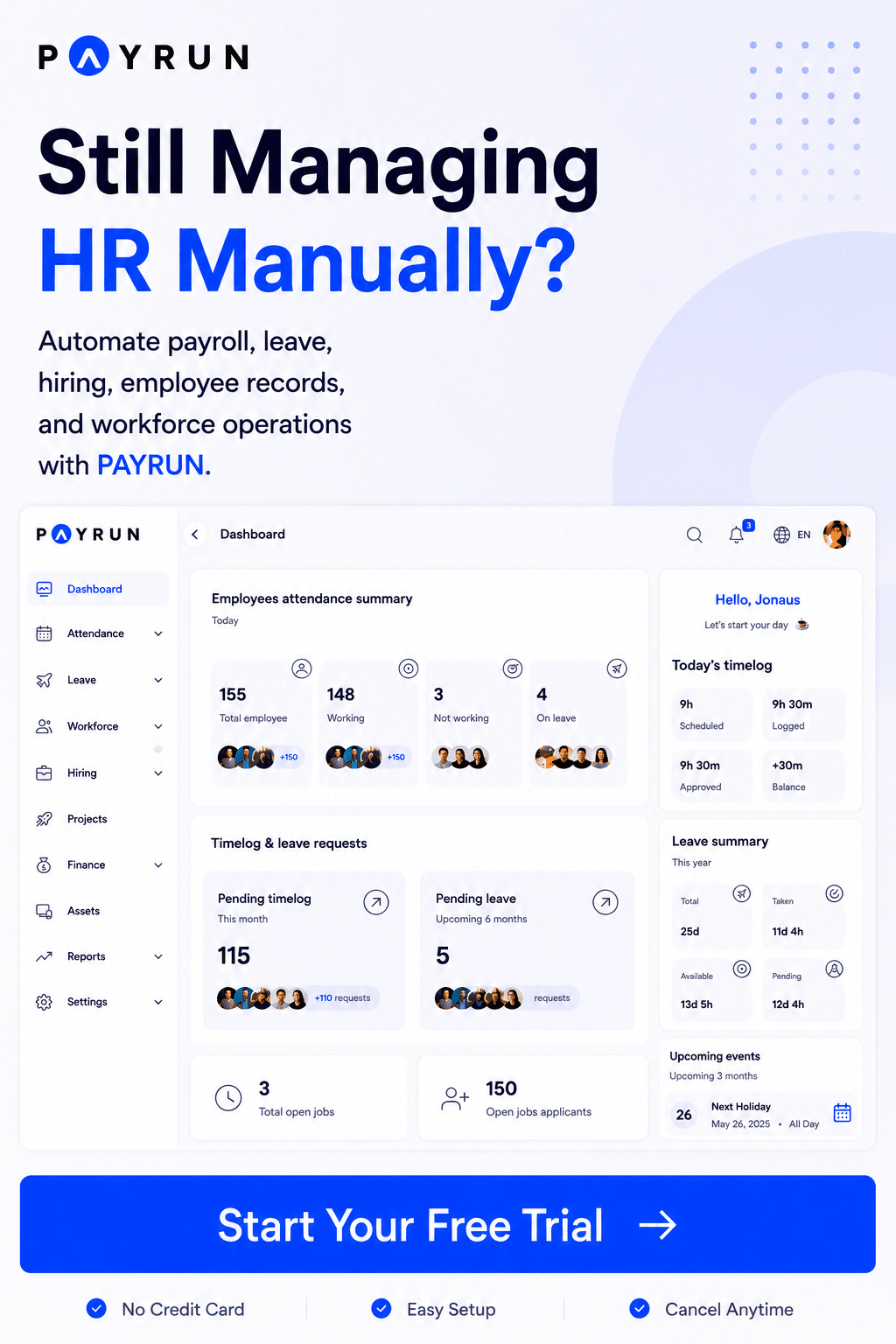
Payrun helps businesses manage employee time tracking, payroll, and workforce operations from one platform. Instead of using separate tracking software and spreadsheets, teams can track employee time, attendance, overtime, and work hours in a centralized system. The platform also supports employee management, an automated leave management system for HR teams, and payroll automation for small businesses and growing teams as part of its all-in-one HR platform.
Payrun’s employee time tracking software includes web app and mobile app access, which makes it easier for hourly employees and remote teams to record employee hours from different job sites. Managers can review time logs, approve overtime, and monitor attendance tracking in real time using smart attendance tracking. The platform also helps businesses reduce manual tracking errors and improve accurate payroll processing.
Businesses can also connect time tracking capabilities with payroll calculations, reporting tools, and workforce management workflows. Payrun automates repetitive payroll tasks, simplifies compliance tracking, and improves payroll accuracy with centralized employee data and automated workflows, leveraging its innovative HR features.
FAQs
Can Small Businesses Use Free Time Tracking Software Effectively?
Yes, many small businesses start with free time tracking software to manage employee hours, attendance tracking, and basic payroll workflows. Free plans usually work well for small teams with simple scheduling needs.
Does Time Tracking Software Help Reduce Payroll Errors?
Yes, modern employee time tracking software improves accurate payroll by reducing manual tracking mistakes and duplicate entries. Automated systems also simplify overtime calculations and attendance tracking.
Can Hourly Employees Track Time Without An Internet Connection?
Yes, many modern time tracking apps include offline mode support for employees working in remote locations or different job sites. Employees can still record employee time and sync data later.
How Does GPS Tracking Improve Employee Time Tracking?
GPS tracking helps businesses verify employee hours and confirm employees clock in from the correct location. It reduces buddy punching, payroll fraud, and inaccurate time logs.
Why Do Businesses Connect Time Tracking Tools With Payroll And Project Management Systems?
Integrated systems help businesses export data faster, create invoices, manage billable hours, and improve workforce visibility from one dashboard. That reduces repetitive manual work across departments.