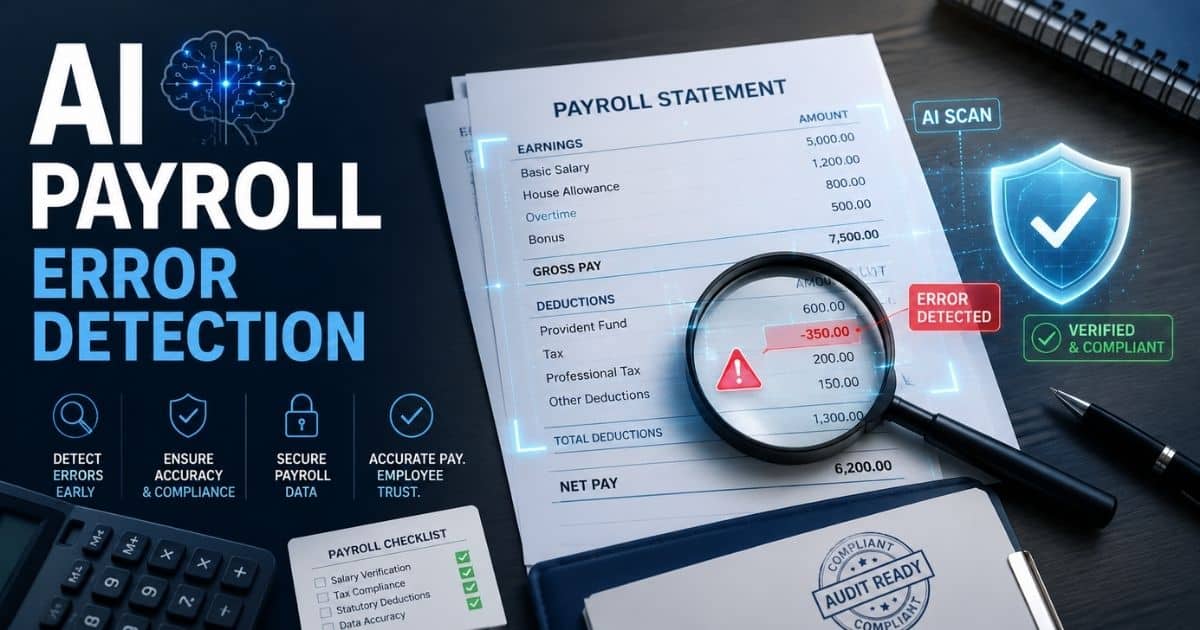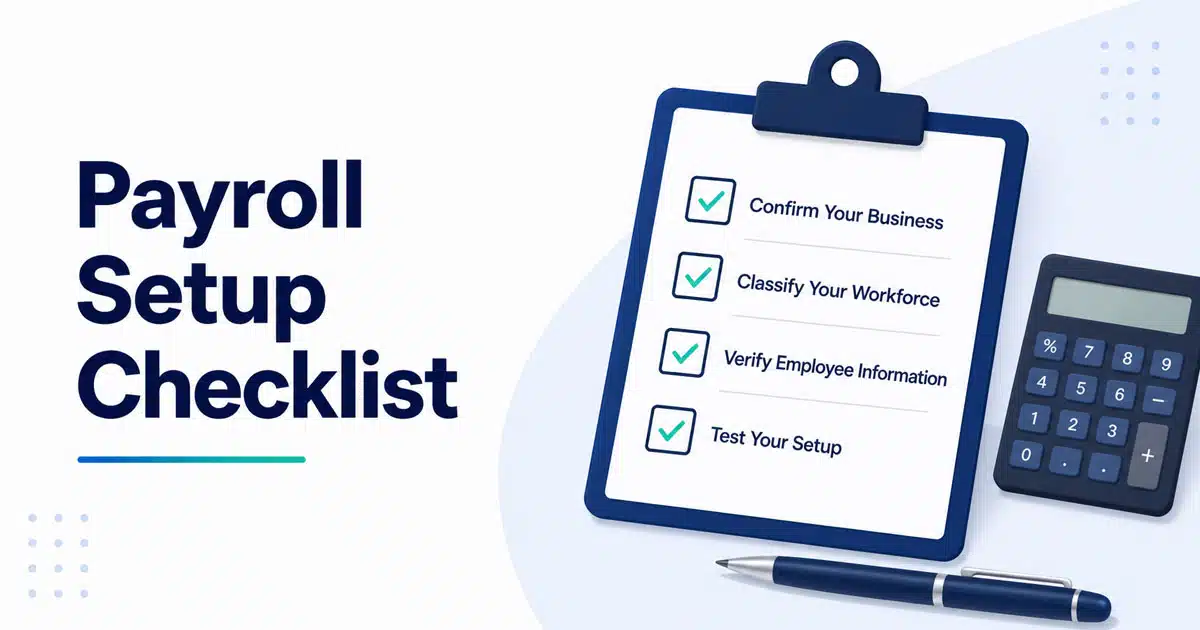
A well-structured payroll setup checklist ensures accuracy, compliance, and consistency across every payroll cycle. Businesses must organize employee data, configure systems, and complete tax forms correctly to avoid disruptions. Missing critical tax information or setting incorrect rules can quickly lead to costly errors that affect both finances and employee trust.
A reliable payroll system also depends on strong payroll security to protect sensitive employee and salary data from risks. From setting up tax configurations to defining payment schedules, each step plays a role in maintaining accuracy. Following a clear checklist helps teams reduce manual mistakes, improve payroll efficiency, and ensure every payroll run meets compliance standards without unnecessary complications or delays.
What Is A Payroll Setup Checklist And Why It Matters
A payroll setup checklist is a step-by-step list of tasks that prepares your business to run its first accurate payroll. Think of it as your roadmap for getting everything in place before payday arrives. This is essential whether you are a brand-new employer hiring in 2025 or 2026, or a business switching from spreadsheets to payroll software.
Without a checklist, it is easy to miss critical steps. Forgotten tax forms, misclassified workers, and late filings can trigger penalties from the Internal Revenue Service and state agencies. According to a 2023 SHRM study, 28% of small businesses faced compliance issues due to rushed payroll setups during the remote work boom.
Consider a Texas small business owner who followed a detailed payroll checklist before their January 2026 pay run. By verifying state unemployment IDs and completing all tax documents ahead of time, they avoided $12,000 in potential penalties. Meanwhile, peers who skipped these steps experienced error rates near 20%. A payroll checklist transforms a complex process into manageable tasks, ensuring accuracy from day one.
Complete Payroll Setup Checklist Step By Step
This is the core section you can follow like a practical guide. Each step builds on the previous one, starting from business registration and ending with a trial run before your first real payday. Plan to work through these over a week, and you will be ready for a smooth first payroll.
Confirm Your Business And Tax Registrations
Before you can process payroll, you need your tax registrations in order. Start by confirming you have an Employer Identification Number from the IRS. If you do not have one yet, you can apply online through the IRS website and receive approval instantly in most cases.
Next, check your state tax IDs. You will need a state withholding ID for income tax and an unemployment insurance account number. Many businesses operating in multiple states, like New York and Texas, must register in each location before their first 2026 payroll.
Make sure your legal business name, address, and entity type match exactly across all tax forms and your payroll system. A simple mismatch can delay filings or trigger compliance issues. Your mini-checklist here includes: EIN confirmation letter, state withholding ID, unemployment insurance account number, and any multi-state registrations you need.
Classify Your Workforce Correctly
Getting worker classification right prevents expensive problems down the road. Under U.S. law, you need to distinguish between employees and independent contractors. The IRS uses factors like behavioral control, financial control, and the nature of the relationship to determine status. Misclassification can lead to back pay at 1.5 times wages plus 20-40% tax penalties.
You also need to classify employees as exempt or non-exempt under the Fair Labor Standards Act. Exempt salaried professionals earning at least $844 per week in 2026 do not receive overtime pay. Hourly workers classified as non-exempt get 1.5 times their rate after 40 hours.
Here is a practical example. A part-time marketing assistant hired in March 2026 as an employee requires full withholding taxes and benefits eligibility tracking. A freelance designer working on a project basis would be treated as a contractor, paid gross with no taxes withheld, and reported on a 1099 at year's end. Make these decisions before adding anyone to your payroll system.
Gather And Verify Employee Information
For each new hire, you need specific data to run payroll correctly. Collect the employee’s full legal name, home address, date of birth, social security number, email address, and bank routing and account numbers for direct deposit. Do not forget emergency contact information.
Essential documents include Form W-4 for federal income tax withholding elections and Form I-9 to verify work eligibility. You must complete the I-9 within three days of the hire date. Some states require their own withholding forms, like New York’s IT-2104.
Set a standard deadline for new employees to submit all forms within three days of their start date. Using a secure digital onboarding workflow lets employees upload documents safely and reduces paper checks and manual data entry errors. This step is critical for ensuring accuracy on that first paycheck.
Decide On Your Payroll Schedule And Pay Policies
Payroll frequency affects cash flow, employee satisfaction, and compliance. Common options include weekly, biweekly, semimonthly, and monthly schedules. About 62% of U.S. employers use biweekly pay according to the American Payroll Association.
Before setting your 2026 payroll calendar, check state laws for pay frequency requirements. California, for example, mandates semimonthly pay at a minimum and requires final paychecks within 72 hours of termination. Choose your first payday carefully. If you are paying biweekly, Friday, January 16, 2026, could cover work from January 1-15.
Document your pay policies in writing. Include overtime approval processes, shift premiums, timesheet cutoff times, and how paycheck corrections will be handled. Adding these to your employee handbook helps new employees understand expectations and protects you from legal issues.
Choose Your Payroll System And Configure It
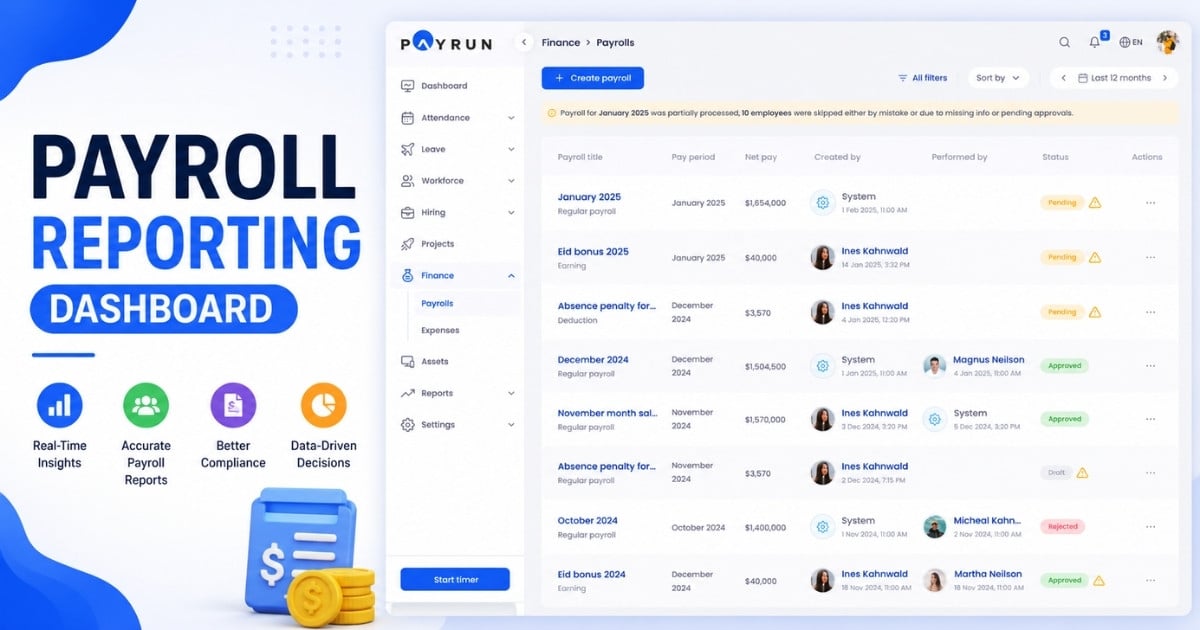
You have options ranging from manual spreadsheets to dedicated payroll software. Spreadsheets might work for a solo founder with one employee, but they carry a 23% miscalculation risk according to Intuit data, making payroll automation software for faster and accurate processing a smarter choice as your team grows. Once you hire beyond one or two people, payroll providers like Payrun or other payroll software for small businesses in 2026 offer automated tax calculations and direct deposit that save time and reduce errors.
Configuration involves entering your company data (EIN, address, entity type), setting pay cycles to match your pay schedule, creating earnings codes for regular and overtime pay, and adding deduction codes for taxes and benefits. Connect your bank accounts for direct deposit processing.
A small retailer in 2025 might spend an afternoon configuring their payroll platform. They would test integrations with time tracking and accounting tools, map payroll data to their general ledger, and verify bank connections. This groundwork ensures the first automated payroll run in early 2026 goes smoothly.
Test Your Setup And Run A Trial Payroll
Before your first live payroll run, run a test using dummy data. This catches errors before they affect real employee paychecks. Create test records for at least one salaried worker (say $60,000 per year) and one hourly worker ($20 per hour with 5 overtime hours).
Check that gross wages calculate correctly. Verify that tax withholdings for federal income tax, social security tax, and medicare taxes match current IRS tables. Review benefit deductions, employer payroll taxes, and final net pay amounts. The numbers should all align.
Schedule your test at least five business days before your real payday. This gives you time to correct any issues. Save and document your test results as part of your payroll records. These records support internal controls and audit readiness for the fiscal year ahead.
Key Forms And Documents For Payroll Setup
Having the right essential documents ready streamlines your entire payroll setup process. Federal tax forms include the W-4 for withholding elections and Form I-9 for work eligibility verification. Keep I-9s for three years after hire, plus one year after termination. For independent contractors, collect Form W-9s and prepare to file 1099-NEC forms for payments over $600 per calendar year.
You will file Form 941 quarterly to report payroll taxes and Form 940 annually for FUTA taxes. State requirements vary. California employers need DE 88 forms, while other states have their own local tax forms and withholding documents.
Internal documents matter too. Keep signed offer letters specifying pay rates, signed policy acknowledgments, and any pay change correspondence. If you are switching payroll providers before 2026, gather 2025 W-2s and 1099s for data migration. Proper documentation supports accurate tax filing and makes audits far less stressful.
Configuring Pay Types, Deductions, And Benefits
This section covers what employees earn and what gets deducted. Getting this configuration right prevents payday surprises and supports clean year-end reporting for both 2025 and 2026 tax returns as part of an accurate payroll processing workflow for growing businesses.
Set Up Earnings And Pay Types
Create clear earnings codes in your payroll system for regular hours, overtime, holiday pay, bonuses, and commissions. Naming them clearly now makes payroll processing and year-end reporting much easier.
For an hourly warehouse team, you might set up regular pay at $18 per hour, overtime at 1.5 times base, and a holiday premium at 2 times base. Salaried managers might have a biweekly base of $4,000 plus a 10% annual bonus code. When bonus summaries are needed at year's end, these distinct codes make compiling employees’ income straightforward.
Configure Statutory Deductions And Taxes
Required withholdings include federal income tax based on IRS Publication 15-T tables, social security at 6.2% up to the 2026 wage base of $176,100, and medicare taxes at 1.45% with an additional 0.9% for earnings over $200,000. State income taxes and local tax requirements vary by location.
Let your payroll system handle tax calculations using current tables for the 2025 and 2026 tax years. Employers also owe FICA taxes matching employee contributions, plus FUTA at 6% on the first $7,000 of wages (reduced to 0.6% after credits) and state unemployment taxes. Keep enough cash reserved in your payroll account to cover these liabilities, typically 15-20% of gross payroll.
Add Benefits And Voluntary Deductions
Common benefits include health insurance, dental coverage, and retirement plans like 401(k)s with employer matches. Pre-tax deductions might include health insurance premiums, HSA contributions up to $6,150 in 2026, and FSA amounts. Post-tax deductions cover items like union dues, wage garnishments, and paid time off policies, where avoiding common leave management mistakes is essential for compliance and employee trust.
Link each benefit to the correct deduction code in your system. Include start dates, employee contribution amounts, and any employer match percentages. If your company runs open enrollment in fall 2025 for benefits starting January 1, 2026, make sure those benefit deductions are configured to begin on the correct pay period.
Opening A Dedicated Payroll Bank Account
Separating payroll funds from your main operating account simplifies reconciliation and provides clearer audit trails. This practice helps many businesses stay organized and avoid cash flow surprises.
Why Use A Separate Payroll Account
A dedicated payroll account ensures you always have enough funds reserved for employee wages and tax payments. Calculate your typical two-week payroll total, including employer taxes, then fund the account a few days before each payroll run.
For example, if your biweekly gross payroll is $10,000 with $2,000 in employer taxes, you need $12,000 available before payday. Some payroll services debit this account directly for direct deposit and tax payments, so monitor the balance regularly to avoid shortfalls and choose HR software for small businesses that supports seamless bank integrations.
Practical Steps To Set It Up
Open a business checking account under your company’s legal name using your employer identification number and incorporation documents. Most banks offer business checking with manageable monthly fees, sometimes waivable with minimum balances.
Connect this account to your payroll platform or an HR software solution for small and medium businesses so direct deposits and tax payments process automatically. Reconcile the account at the end of every month and quarter. This reconciliation practice keeps your payroll records accurate and supports clean payroll tax returns.
How To Build Payroll Policies And Internal Controls
Written policies remove guesswork and ensure payroll runs smoothly even when key team members are unavailable. Even small teams benefit from documenting how payroll processing works and backing that with structured approval workflows in HR for any payroll changes.
Document Clear Payroll Policies
Cover the essentials: pay dates, overtime approval requirements, timekeeping rules, timesheet cutoff times, and how pay corrections are handled. For instance, you might specify that timesheets are due by Tuesday at 5 pm for Friday payday, and that all overtime requires manager pre-approval.
Add these policies to your employee handbook and review them with every new hire during onboarding, ideally supported by employee onboarding software for modern HR teams. Clear expectations help you maintain compliance and reduce questions from employees about their paychecks.
Set Up Checks And Approvals
Implement basic controls like having a second person review payroll totals before submission. Dual approval catches errors before they affect employee wages and helps you stay ahead of evolving payroll regulations for growing companies in 2026.
Review points should include total hours by department, any unusual bonuses, and significant changes compared to the prior pay period. Flag any variance greater than 10% for investigation. Save approval records and sign-offs for at least three to four years to support audit readiness and ensure compliance with record retention requirements.
Recordkeeping, Reporting, And Ongoing Compliance
Good recordkeeping keeps payroll accurate not just on day one, but across every payroll run and through year-end filing deadlines. This foundation makes W-2 and 1099 preparation much smoother and reduces the risk of costly payroll mistakes businesses must avoid in 2026.
Keep Accurate Payroll Records
Retain time records, pay registers, tax filings, benefit deductions, and any correspondence about pay changes. Federal guidelines require keeping payroll records for at least four years. Some state laws are stricter.
Secure, cloud-based storage tied to your payroll system provides quick access when audits or employee queries arise, especially when you maintain comprehensive employee payroll records in a structured way. The IRS flagged 15% of new employers for setup errors in 2025, so having accurate records readily available protects your business.
Monitor Law Changes And Deadlines
Tax rates and wage limits change annually. Check for updates each January and midyear. Subscribe to updates from the Social Security Administration and state agencies to stay informed about local tax laws and minimum wage changes.
Track key dates: quarterly tax deposits, annual filings, and January 31 deadlines for sending W-2s and 1099s. Modern HR management systems with integrated payroll can send reminders or handle filings automatically, helping you avoid penalties and meet filing deadlines without last-minute scrambles.
Final Discussion
A structured payroll setup checklist plays a critical role in maintaining accuracy, compliance, and efficiency across every payroll cycle. When businesses align processes with clear guidelines, they reduce errors, streamline operations, and ensure employees are paid correctly and on time.
Consistency in payroll setup also supports better financial planning and minimizes risks related to compliance issues or penalties. As teams grow and payroll complexity increases, having a reliable system becomes even more important. Regular reviews, process improvements, and the right tools help maintain accuracy over time.
A well-managed payroll setup not only improves internal efficiency but also builds employee trust and supports long-term business stability.
Frequently Asked Questions
How Long Does It Take To Set Up Payroll For The First Time?
Many small businesses can complete core payroll setup in one to three working days if they have documents ready. Switching from another provider may add time for data migration and testing. Businesses starting fresh without existing registrations should plan for up to a week to obtain all necessary IDs from state agencies and the IRS, and consider setting up HR tools right from the start to support smooth payroll as they grow.
Can I Run Payroll Without A Dedicated Payroll System?
Very small teams sometimes start with spreadsheets, but this approach carries risks. Manual calculations have error rates near 23%, and tracking filing deadlines becomes difficult compared with using HR software instead of spreadsheets for payroll. Missing a quarterly deposit or miscalculating withholding taxes can result in penalties. Moving to dedicated payroll software as soon as possible protects your business and supports earned wage access and other modern pay features.
What Happens If I Make A Mistake On A Paycheck?
Correct the error on the next payroll run or issue an off-cycle payment if the discrepancy is significant. Update records in your payroll system and adjust tax withholdings and reports as needed. Notify the affected employee promptly and document the correction for your payroll records.
Do I Need A Separate Checklist For Contractors?
Independent contractors follow a shorter process. Collect a W-9 form, agree on payment rates, and plan for 1099-NEC reporting if you pay them more than $600 in a calendar year. Unlike employees, you do not withhold payroll taxes for true contractors, but misclassification penalties are steep, so verify their status carefully.
How Often Should I Review My Payroll Setup?
Review your payroll setup at least once per year, ideally before the first payroll of the new calendar year when tax tables and wage limits update. Conduct a deeper review whenever laws change significantly, when your business grows and adds many employees, or when you expand into new states with different local tax requirements.